The latest updates help your firm further expand client service and standardize operations. New capabilities powered by Intuit Intelligence help you automate costly, routine work and keep books up-to-date, surface insights, and answer important questions. Plus, QuickBooks Advanced has new and expanded capabilities across AI-powered bookkeeping, reporting, and more.
Foundational performance and experience updates:
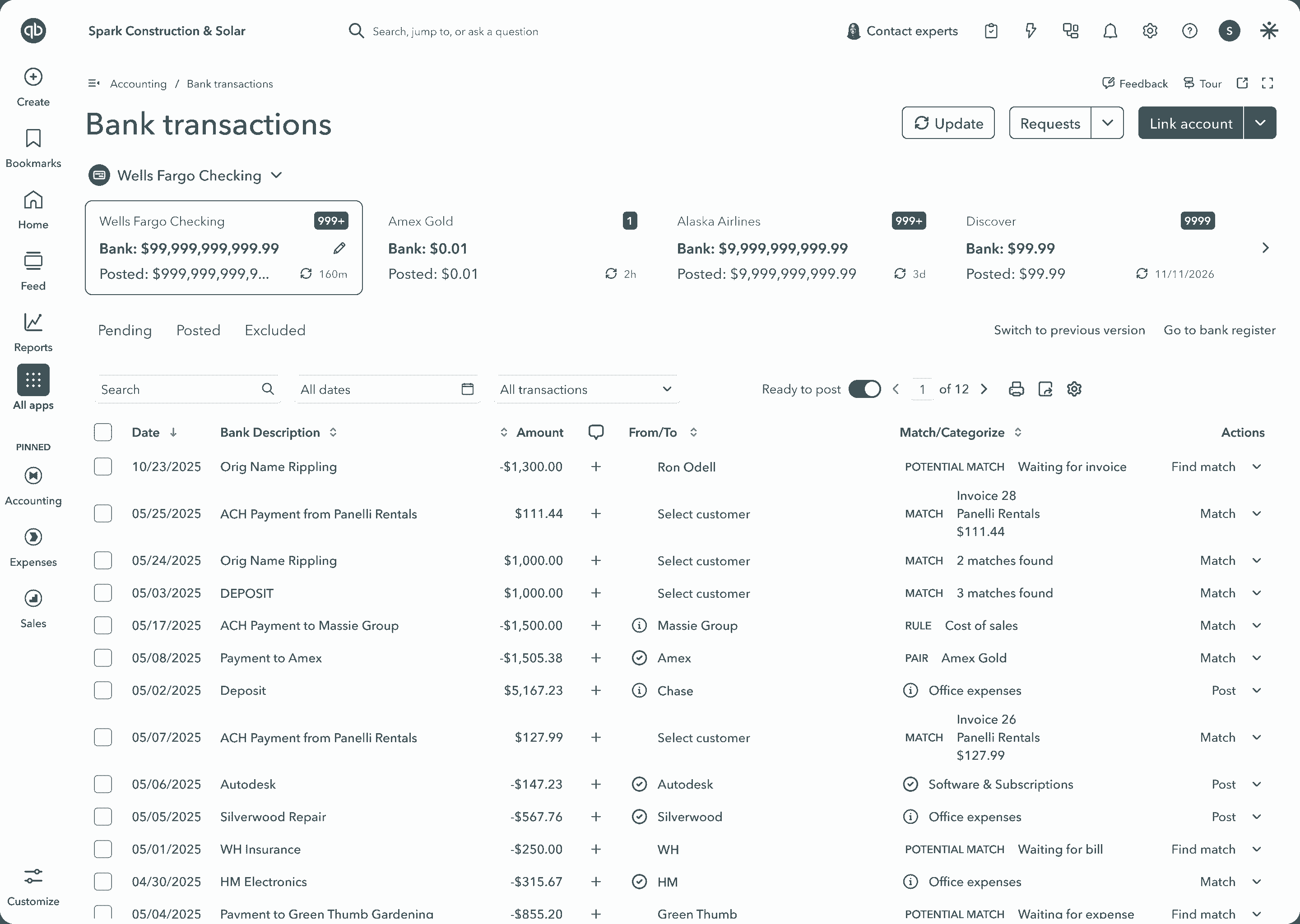
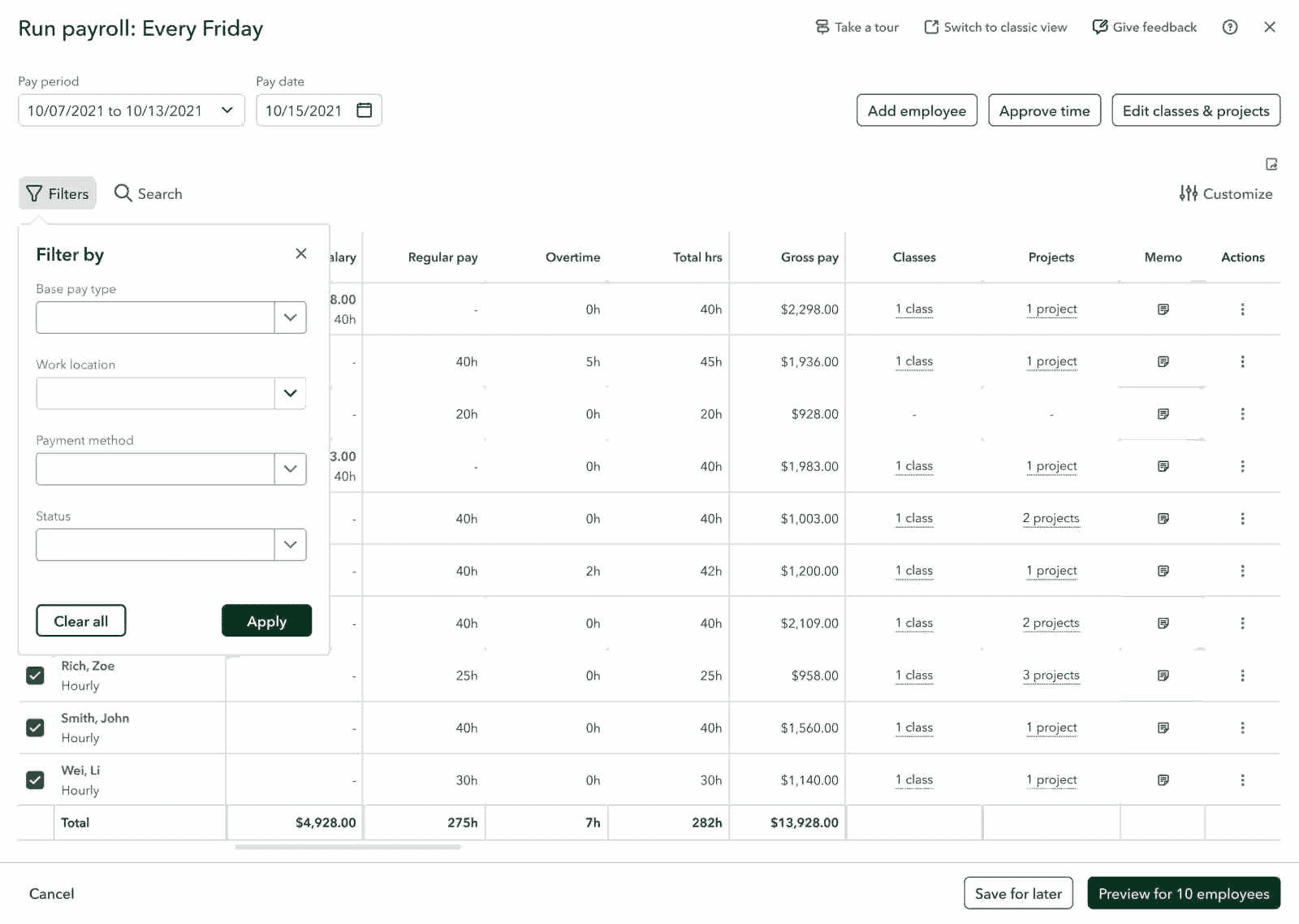
- Faster workflows: We’re continuing to invest in all core workflows. Your clients get quicker load times across invoicing, banking, reporting, and payroll workflows for less lag and more billable hours.
- Auto-categorization: Make categorization less manual with more suggestions that get the work done. QuickBooks now flags duplicate or conflicting rules rather than applying whichever comes first. Suggestions are designed to refresh faster, new predictions are smart, the rules experience is modernized, and transfers and credit card payments are handled more clearly. You can turn this on for firm-billed clients whenever you need it. Direct-billed clients interested in this service will be prompted to check with you.
- Improved bank connections: Get to the job at hand faster with tools designed to help reduce incidence of bank connection issues, including warnings about expiring connections and targeted fixes for the common connection error codes.
We’ve also made some key changes around services through Intuit Experts,** including expert books upkeep. For clients who use QuickBooks, Intuit Expert bookkeeping services are off by default, and no in-product marketing messages will appear. Only you can add these services for your firm-billed clients. Your direct-billed clients will be redirected to talk to you about adding services; however, they may still add them in Expert hub, Your firm will be informed of these changes. Learn more about Intuit Experts services permissions.
New Intuit Intelligence features and services:
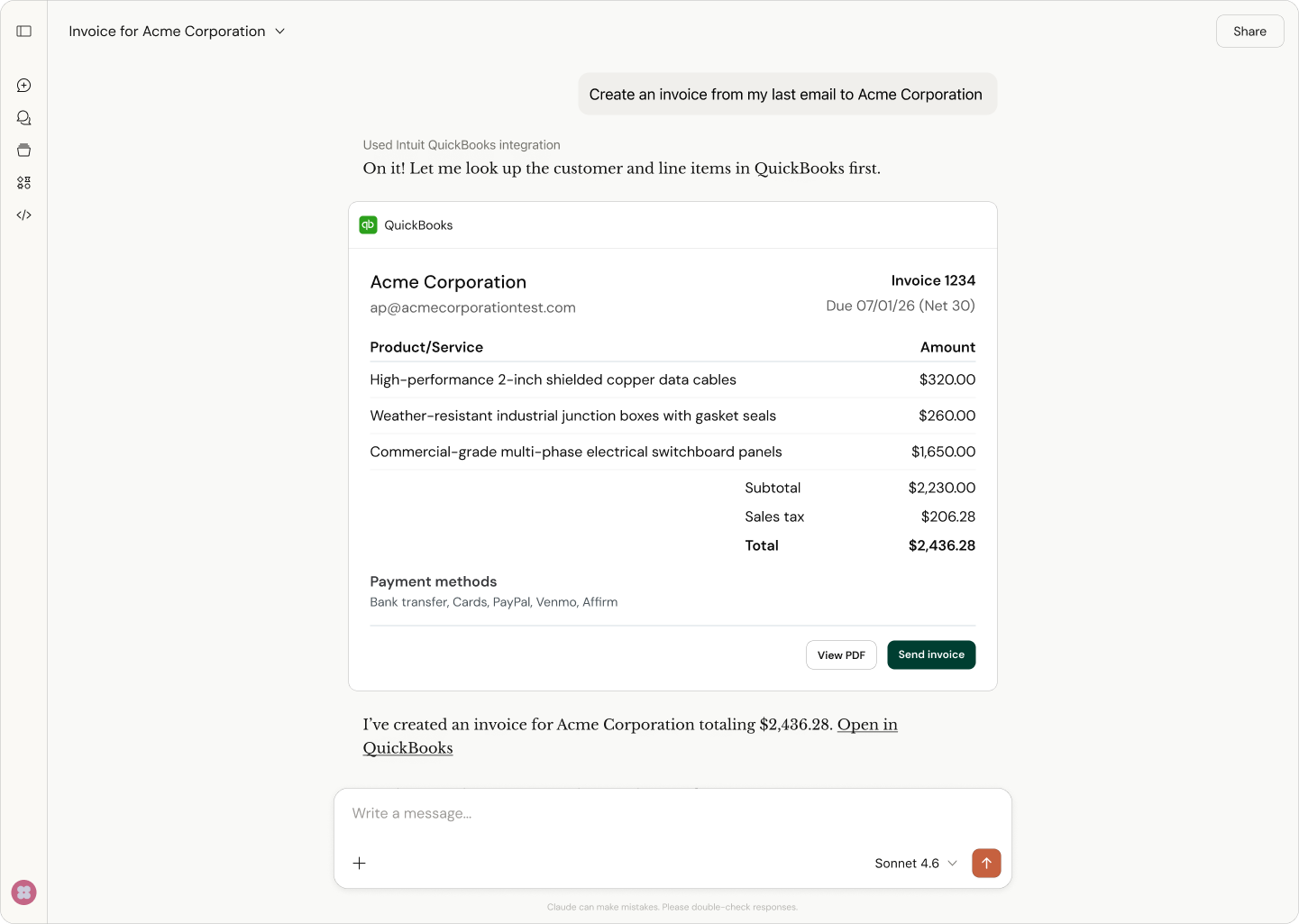
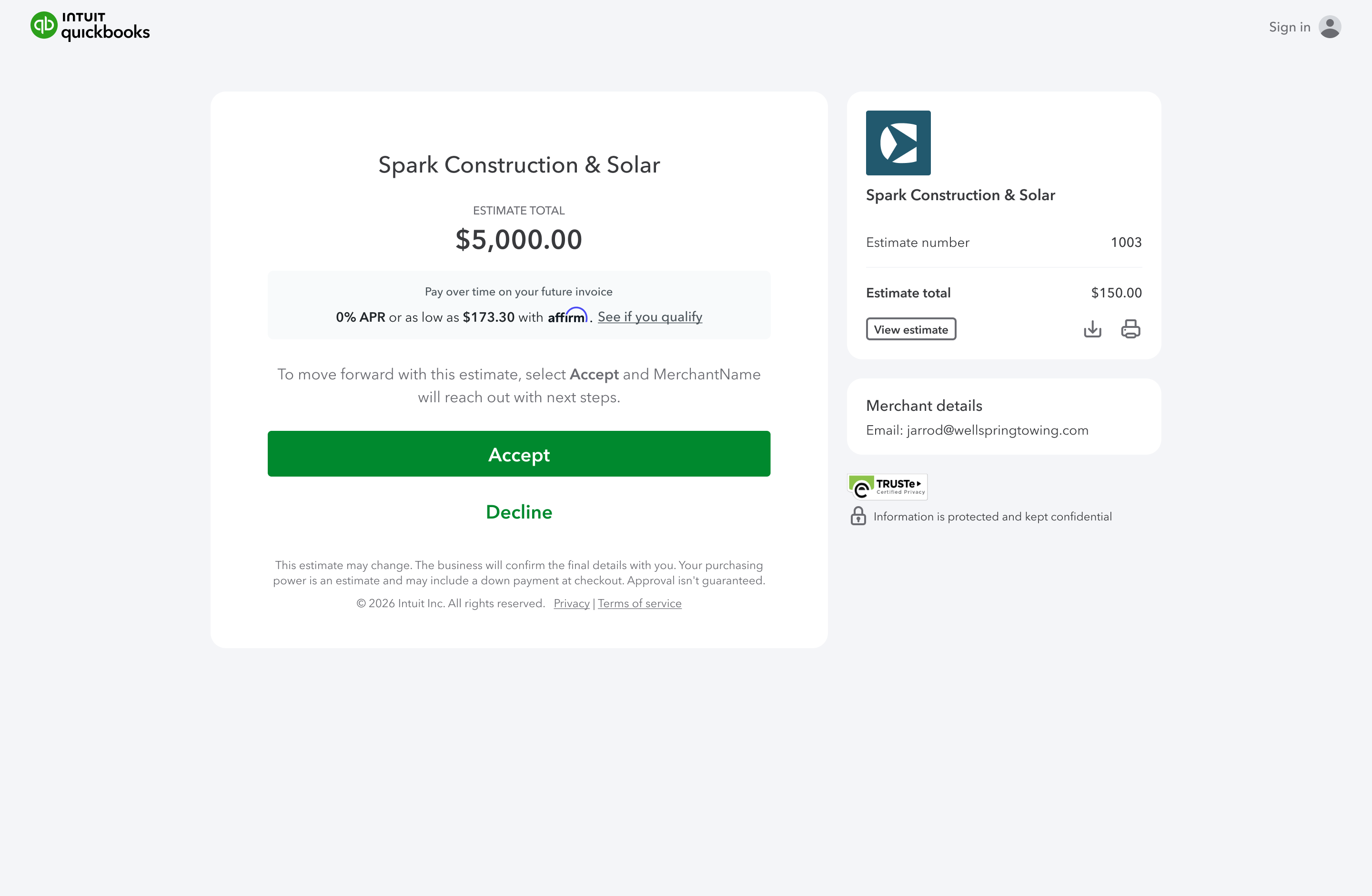
- When your clients put invoicing on autopilot, they can automate the most time-consuming parts of the invoice lifecycle by creating invoices through Intuit Intelligence chat.** They can even upload invoice data to the thread through supporting project documents, spreadsheets, or image files.
- You and your clients can create custom automations by building, configuring, scheduling, and running their own automations through Intuit Intelligence. To recapture time for advisory conversations, these automations can generate reports, send reminders, or summarize data.
- To help strengthen client collaboration, the Ask your accountant suggestion your client sees in QuickBooks will now result in a single threaded conversation that provides full context of their original question.
- **Conversational business
intelligence** helps you and your clients spend less time pulling reports and more time on strategic discussions. Use it to get instant insights, compare scenarios, and plan next steps through Intuit Intelligence.**
New in QuickBooks Online Advanced:
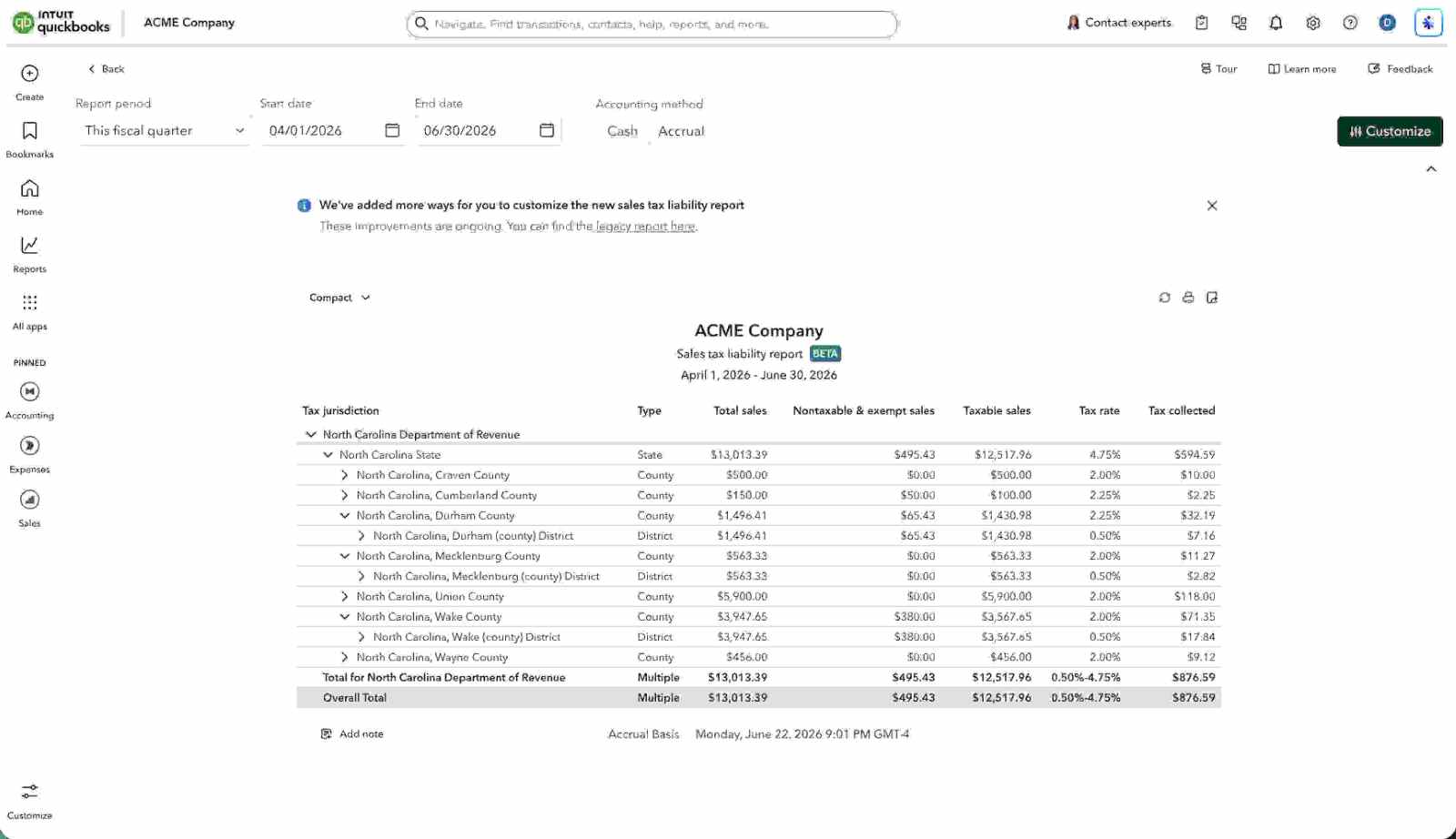
- Management reports is a full financial reporting suite built into Advanced, with custom management and industry-specific reports, self-serve analytics, and AI-powered forecasting.
- Expert books upkeep works to keep your clients’ records categorized, matched, and accurate throughout the month by using AI and an expert-verified automated transaction and posting service. You can turn this on for firm-billed clients whenever you need it. Direct-billed clients interested in this service will be prompted to check with you.
These are just a few of the new features and enhancements designed to give you the most up-to-date financial data and help your clients make informed decisions—while reducing tedious work.